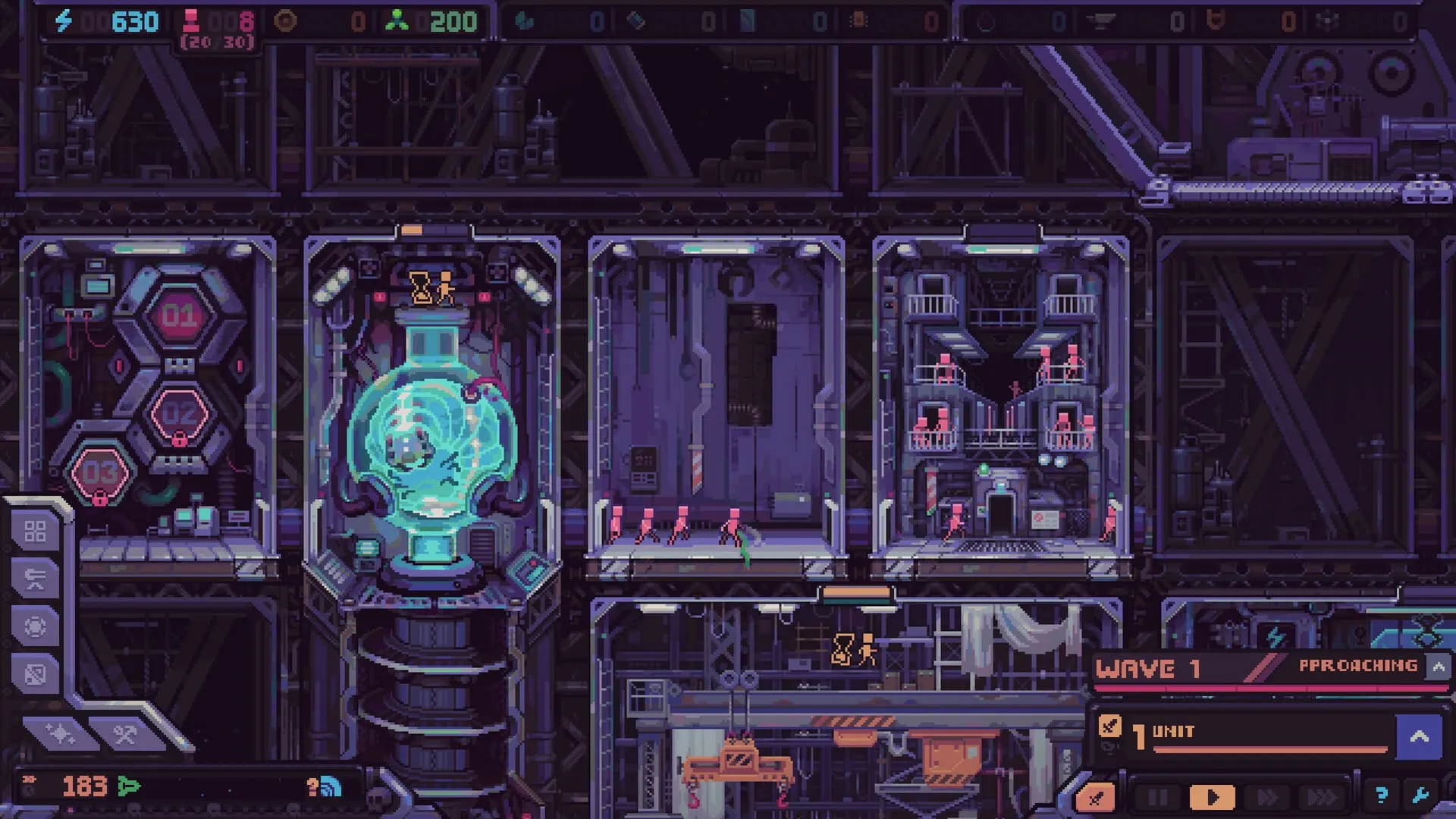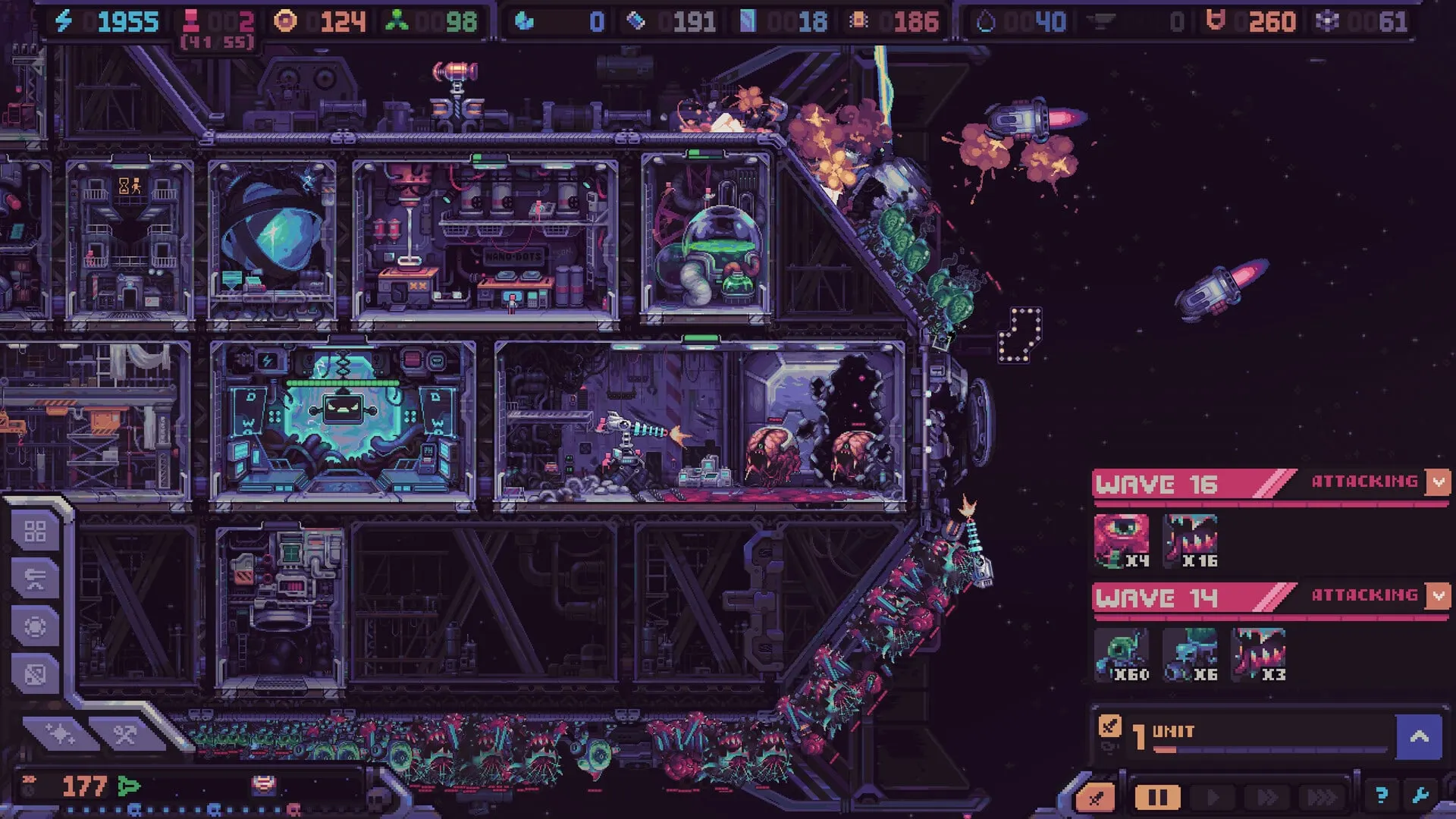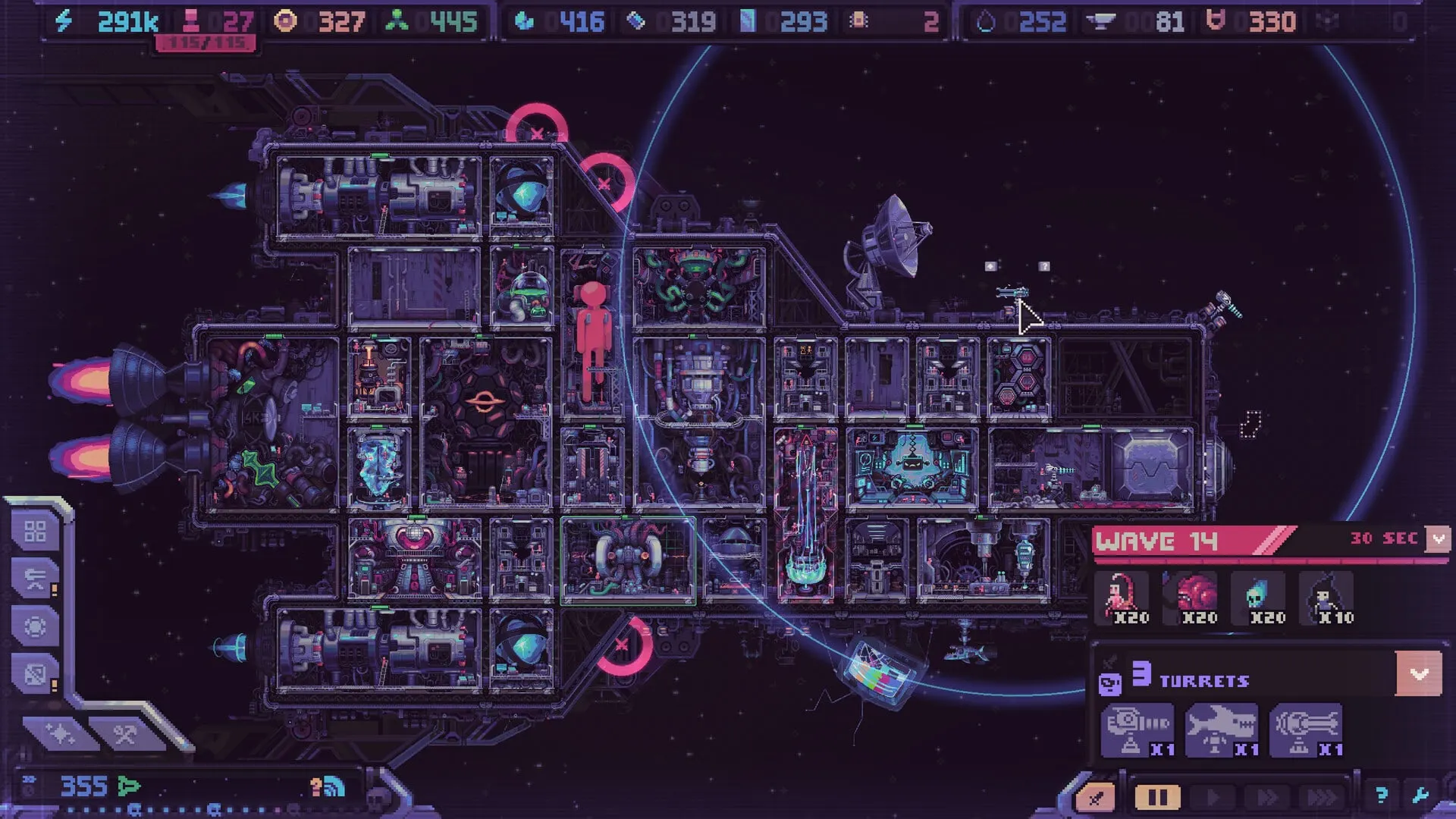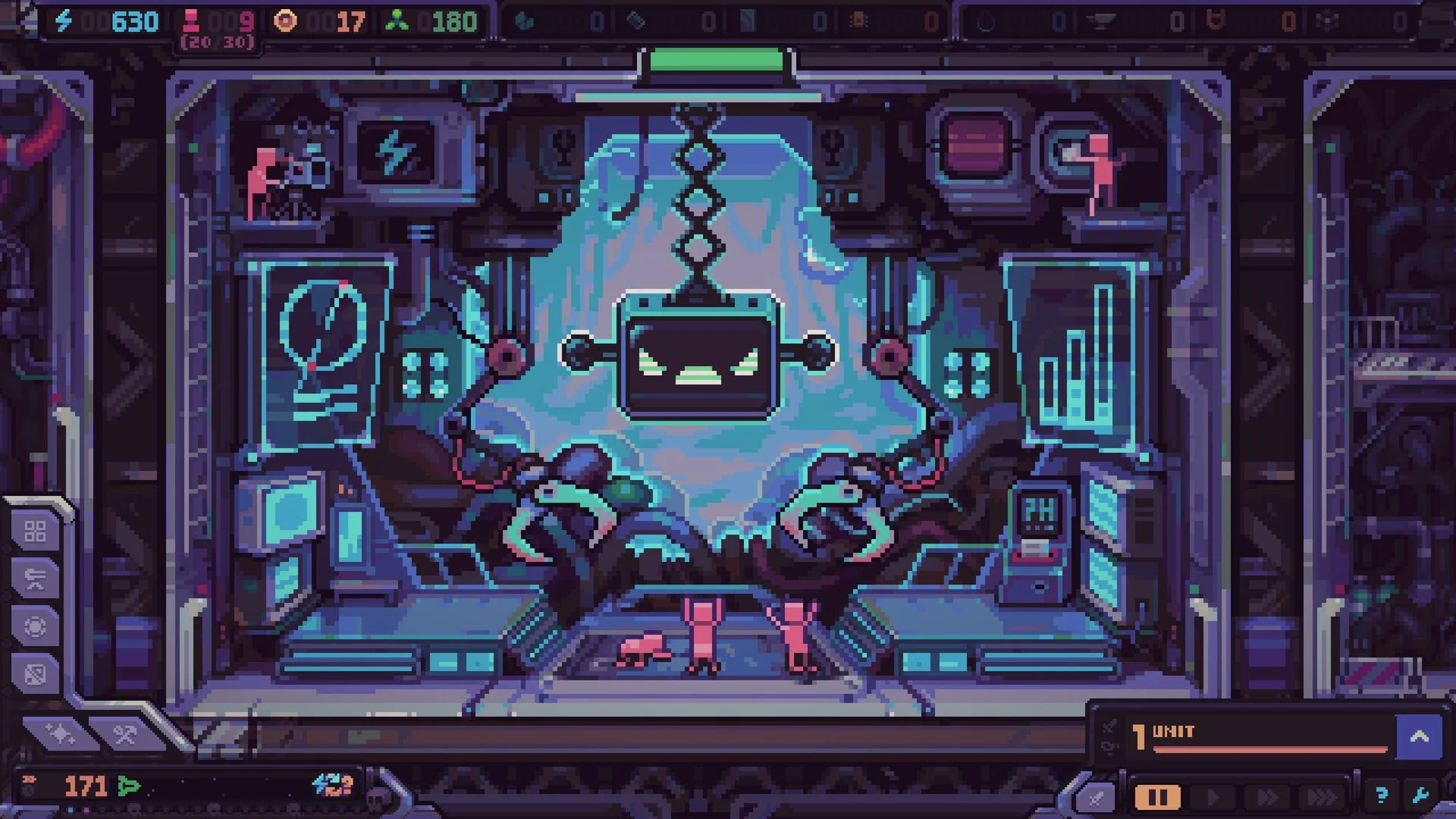
The Hull Rupture demo is a separate free Steam app, released on June 15, 2026 for Steam Next Fest. It includes a tutorial, a replayable standard mode, the Izumo, two modes and a full 20-wave run ending in a final boss. For a game this systemic, that is not a sample — it is a laboratory.
What the Hull Rupture demo includes
Tutorial
A guided introduction to the ship, modules, hull expansion and combat.
Classic mode
The core production, exploration and tower-defense loop across 20 waves.
Trade mode
A combat-free mode focused on economic pressure and long-term planning.
One ship
The Izumo, a small maneuverable hull made from salvaged parts.
Final boss
A complete run ends with a boss encounter after the 20-wave structure.
Free
No purchase required; the demo is its own Steam app (4809240).
The demo is well received: Steam shows Very Positive with roughly 91% of 232 reviews positive as of October 30, 2026. That is a useful signal for a pre-release strategy game, though the full release will have more ships, modes and balance changes.
How to download the Hull Rupture demo
- Open the Hull Rupture Demo Steam page.
- Sign in to Steam and select Install Demo.
- Launch the demo and play the tutorial before touching Classic mode.
- If you are returning from an older build, re-enable the tutorial in General settings to see the Hull Construction step.
The demo is available on Windows, macOS and Linux/SteamOS through Steam. Some Apple Silicon Mac users have reported launch failures related to Rosetta; check the Steam discussions if the demo does not start. No official fix is confirmed at the time of writing.
Demo app vs full game
The demo has its own Steam app ID (4809240). The full game is 4358660. Owning or wishlisting one does not automatically install the other, and the demo may be delisted after launch.
What to practice first
1. Finish the tutorial, then break it
The tutorial teaches the controls, not the strategy. After it ends, start a Classic run and deliberately test one system at a time: a compact layout, a long-route layout, a defense-heavy opening, an economy-heavy opening. The demo is the cheapest place to learn what “minimum defense” feels like.
2. Learn Info Mode
Open Info Mode every few minutes and watch rates, not just stock. The skill transfers directly to launch. If you can diagnose a stalled chain in the demo, you can do it in the full game.
3. Practice the shop decision
Force yourself to name the next problem before every purchase. If the last wave leaked, buy defense. If the factory stalled, buy modules. Do not chase a specific kit; practice making the category work.
4. Test the Hull Construction rules
Place blocks flush, on stilts and in a spiral. Watch how the alien route changes. The 15-shape set is small enough to learn in a few runs, and the intuition is worth more than any build order.
5. Try Trade mode as an economy drill
Trade mode removes alien attacks and replaces them with economic pressure. It is the cleanest way to learn production chains without the distraction of a breach. If your Classic runs keep collapsing economically, spend a session here.
Does demo progress carry over?
Konfa Games has not announced save transfer from the demo to the full release. The demo has its own app ID and its own progression. Do not assume artifacts, unlocks or tutorial completion will transfer. Treat the demo as practice and a systems laboratory, not a head start.
The full game will have three ships, six modes and four difficulty levels. The demo’s single ship and two modes are a subset. Any tier list or build order built purely on demo content should be re-checked after launch.
Demo limitations to know
- One ship: the Izumo only. The other two hulls are not playable in the demo.
- Two modes: Classic and Trade. Conquest, Cursed, Uneventful, Pure and Impossible are not confirmed playable in the demo.
- Balance is provisional: the September rework changed hull construction, the shop and economy. Launch may change them again.
- Endless performance: the developer acknowledged slowdowns after wave 40 and is separating Endless into its own mode for release.
- macOS Apple Silicon: some users report launch failures; no official fix is confirmed.
- No confirmed save transfer: demo progression may not carry into the full game.
Do not judge the full game by the demo’s edges
The demo is a slice of a game that is still being balanced. Performance after wave 40, shop odds and mode availability are the most likely things to change at launch. Judge the core loop, not the unfinished edges.
Demo update history
Hull Construction deep dive
Fifteen block shapes, stilts, permanent placement and route control explained.
Patch v0.10.12
Rat Turret added; shop and Chamber randomization favor unseen kits.
Major demo update
Hull Construction, themed loot boxes, Chamber kit production, converter automation and movable turrets.
Demo launch
Steam Next Fest release with tutorial, Classic, Trade and the Izumo.
Hull Rupture demo FAQ
Quick answers
Demo questions
Is the Hull Rupture demo free?
Yes. The demo is a free separate Steam app (4809240). You need a Steam account to install it, but no purchase is required.
When did the Hull Rupture demo release?
The demo launched on June 15, 2026 for Steam Next Fest. It has received major updates since, including the September 14 Hull Construction and shop rework and the September 25 v0.10.12 patch.
How long is the Hull Rupture demo?
The demo includes a tutorial and a replayable standard mode built around surviving 20 waves and defeating a final boss. Run length depends on skill and route, but players commonly report sessions of one to several hours.
Does Hull Rupture demo progress carry over to the full game?
Konfa Games has not announced save transfer from the demo to the full release. Treat demo progress as practice rather than a head start, and check official channels closer to launch.
Which modes are in the Hull Rupture demo?
The demo includes Classic and Trade modes. Classic is the full production, exploration and tower-defense loop. Trade removes alien attacks and focuses on economic pressure.
Why does the Hull Rupture demo lag after wave 40?
The developer has acknowledged performance slowdowns after wave 40 in Endless mode and says the mode is being rebalanced and optimized separately for release. General performance work is ongoing.
Does the demo work on Apple Silicon Macs?
Some players have reported the demo failing to start on Apple Silicon Macs, apparently due to Rosetta requirements. The store lists macOS support, but there is no confirmed official fix at the time of writing.
Launch preparation
Read the release date page for the launch schedule and the system requirements to make sure your machine is ready. Then start the beginner guide with the demo installed.